Ergonomic Home Office Setup: How to Work Long Hours Without Back Pain
This article may contain affiliate links. If you purchase through them, I may earn a small commission at no extra cost to you.
Back pain has quietly become one of the most common side effects of working from home.
It starts subtly. A stiff lower back after a long Zoom call. Tight shoulders at the end of the day. A dull ache between your shoulder blades that wasn’t there before you went remote.
If you’re experiencing work from home back pain, you’re not alone.
Over the past 10+ years working remotely, I’ve learned that an ergonomic home office setup isn’t about productivity hacks or extreme routines. It’s about comfort. Longevity. Being able to do focused work for years without your body paying the price.
Home office ergonomics is simply thoughtful design that supports how your body actually works.
When your space supports you, long hours feel sustainable instead of draining.
Let’s walk through what that really looks like.
What an Ergonomic Home Office Setup Actually Means
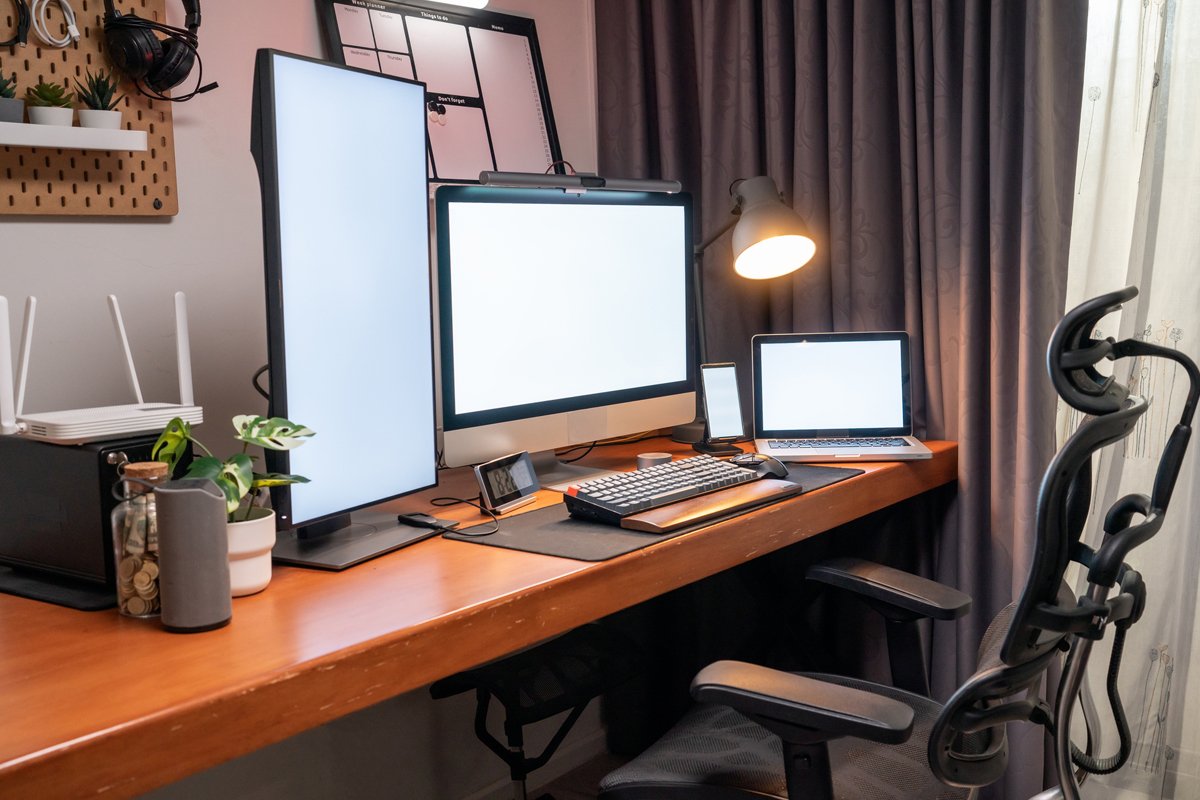
An ergonomic home office setup is a workspace designed around your body, not the other way around.
At its core, home office ergonomics focuses on:
Neutral spine alignment
Relaxed shoulders
Supported lower back
Wrists in a natural position
Screens positioned at eye level
Movement throughout the day
It’s not about sitting perfectly still in “good posture.” In fact, the body prefers variation.
The goal is simple: reduce unnecessary strain.
When your chair, desk, and monitor height for ergonomics are properly aligned, you’re less likely to compensate by hunching, craning your neck, or locking your knees.
Think of ergonomics as friction reduction for your body.
Small adjustments add up.
The 6 Core Elements of an Ergonomic Desk Setup
If you want to prevent back pain working from home, focus on these six areas first. You don’t need a complete overhaul, just thoughtful adjustments.
1. Chair Height & Lumbar Support
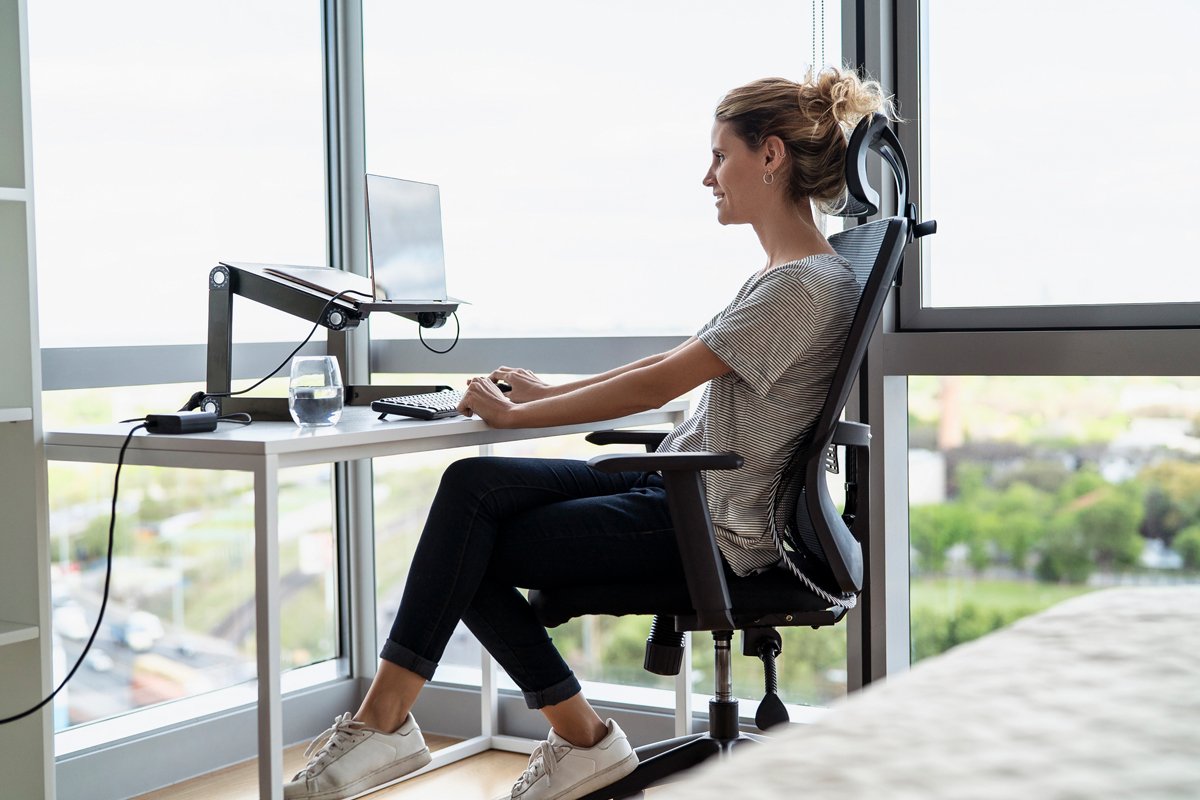
Your chair is the foundation of your ergonomic desk setup.
The most common problem? Sitting too low or without lower back support.
Here’s what to aim for:
Feet flat on the floor
Knees at roughly 90 degrees
Hips slightly higher than knees
Lower back supported
A best ergonomic office chair should offer:
Adjustable seat height
Lumbar support (built-in or adjustable)
Armrests that don’t force shoulders upward
If you’re using a dining chair in an apartment home office, add:
A folded towel for lower back support
A seat cushion to adjust height
This is the chair I’ve used for years—one with adjustable lumbar and seat depth—and it made the biggest difference in reducing lower back tension.
If you’re upgrading one thing, start here.
2. Proper Desk Height
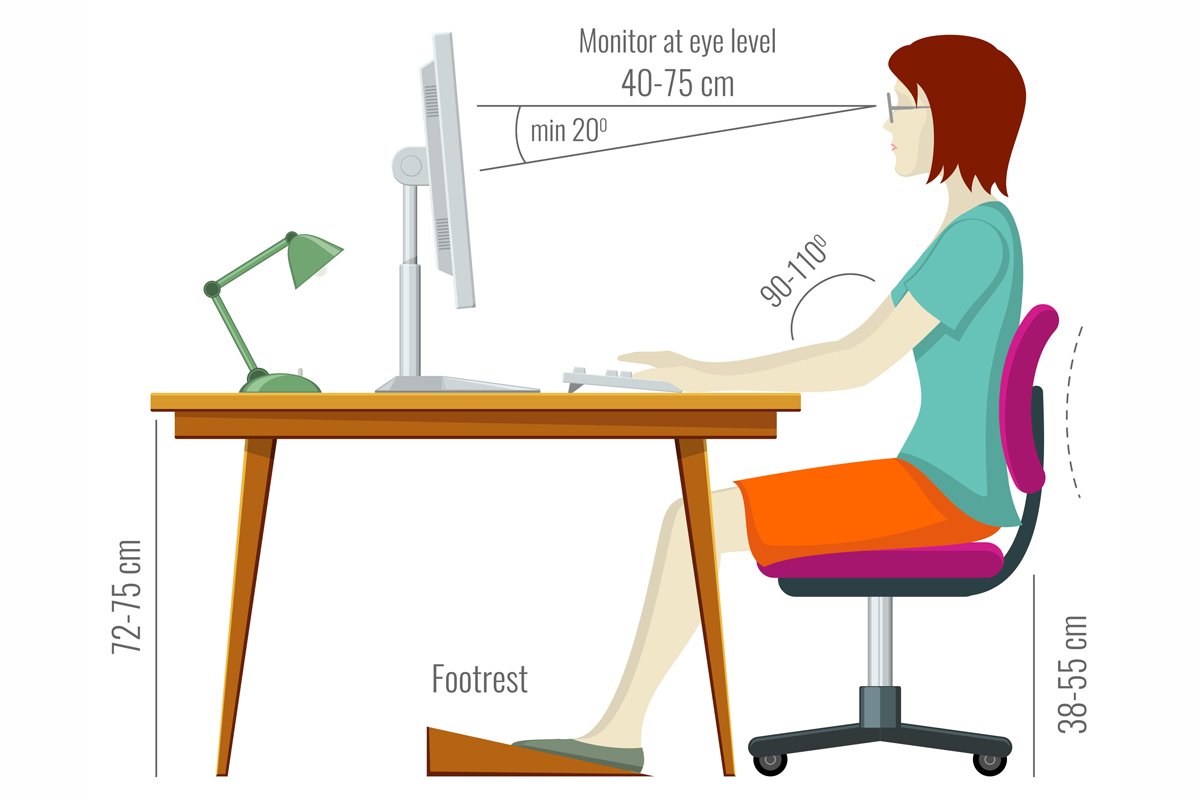
Proper desk height is often overlooked.
If your desk is too high, your shoulders creep upward.
Too low, and you hunch forward.
For most people:
Elbows should rest at 90 degrees
Forearms parallel to the floor
Shoulders relaxed
If your desk isn’t adjustable:
Raise your chair and use a footrest
Or lower your keyboard using a keyboard tray
Even a minimalist desk setup can be ergonomic. Clean lines don’t have to mean rigid positioning.
The key is alignment, not aesthetics.
3. Monitor Height & Distance
Incorrect monitor height for ergonomics is one of the biggest contributors to neck pain.
If you’re looking down at a laptop for eight hours, your neck feels it.
Your screen should be:
At eye level (top third of the screen aligned with your gaze)
About arm’s length away
Directly in front of you
For laptop users:
Use a laptop stand
Pair with an external keyboard and mouse (PC | Mac)
In a small home office ergonomics setup, a slim monitor arm is incredibly helpful. It frees up desk space and allows you to fine-tune height and distance.
Even stacking sturdy books under your monitor is a good starting point.
Small adjustments. Big relief.
4. Keyboard & Mouse Position
Wrist strain often shows up before back pain.
For a proper ergonomic desk setup:
Wrists should be straight, not bent upward
Keyboard positioned close enough to avoid reaching
Mouse at the same height as the keyboard
Consider:
A low-profile keyboard
An external keyboard and mouse (PC | Mac)
A soft wrist rest
Avoid anchoring your wrists on hard desk edges. That pressure adds up over long hours.
Think relaxed hands, not rigid positioning.
5. Foot Support
If your feet don’t comfortably reach the floor, your lower back compensates.
A simple footrest can:
Improve circulation
Support spinal alignment
Reduce hip strain
In an apartment home office, a sturdy box or stack of books works just fine.
The goal is stability.
When your feet are grounded, your spine feels it.
6. Lighting & Eye Strain

Lighting is part of home office ergonomics, even if we don’t always think of it that way.
Poor lighting leads to:
Leaning forward
Squinting
Neck tension
Use:
Soft, indirect lighting
A task lamp angled toward your desk
Screen brightness that matches room light
Natural light is ideal, but avoid glare directly behind your monitor.
Comfort supports focus.
Small Home Office Ergonomics: Real Solutions for Apartments
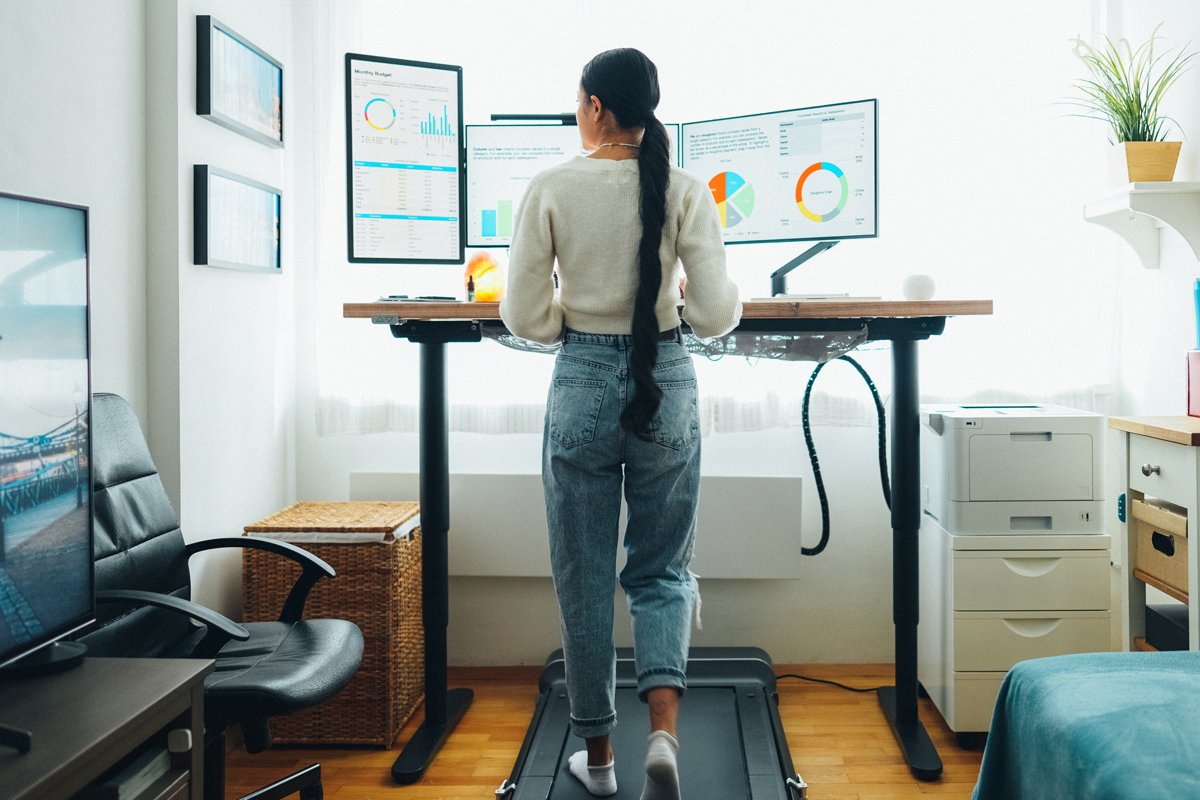
Not everyone has a dedicated office.
Many of us work from:
Dining tables
Bedroom corners
Shared spaces
Studio apartments
Small home office ergonomics is about creativity, not perfection.
If you’re working at a dining table:
Add a seat cushion to adjust height
Use a laptop stand
Store a lumbar pillow nearby
If space is tight:
Choose a compact ergonomic chair
Use a wall-mounted monitor arm
Opt for a slim standing desk setup
You don’t need a Pinterest-perfect room.
You need alignment and support.
Even one upgrade—a better chair or improved monitor height for ergonomics—can dramatically reduce work from home back pain.
Progress over perfection.
Standing Desk vs. Sitting: What Actually Helps?
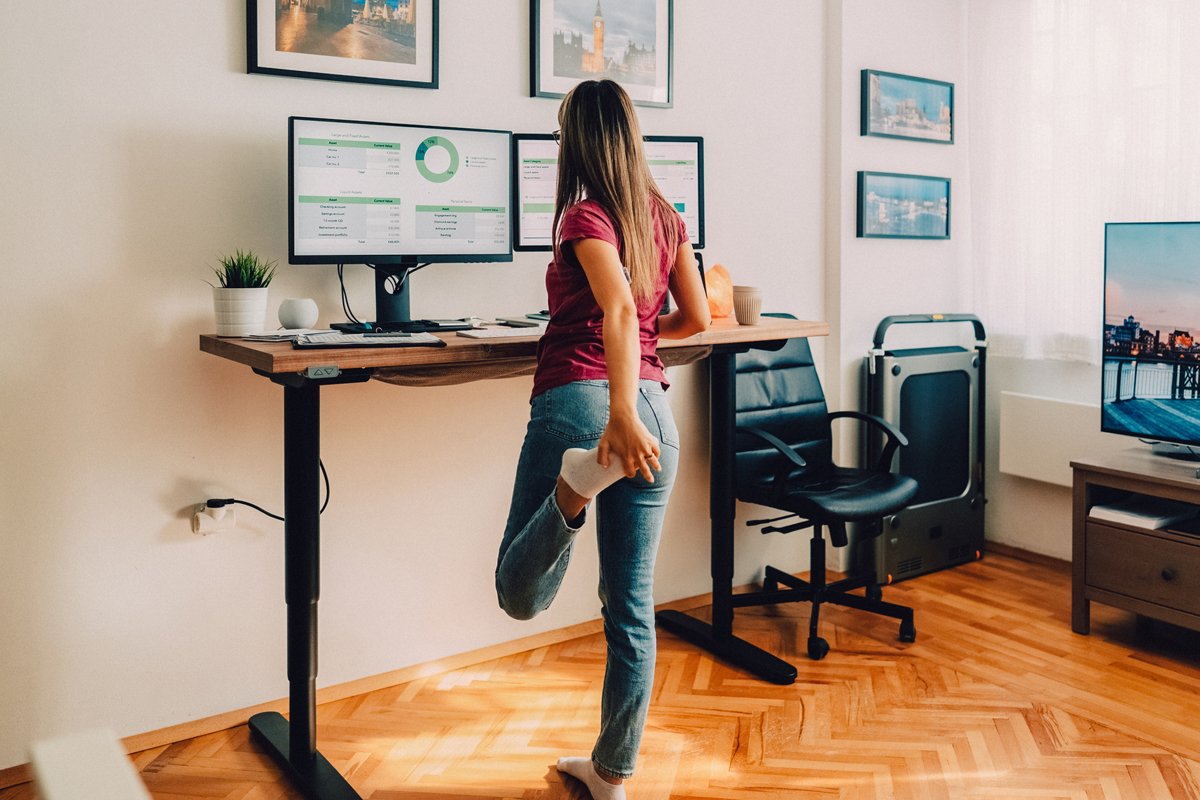
Standing desks became popular as a solution to sitting all day.
But standing still for eight hours isn’t ideal either.
The most sustainable ergonomic setup for long hours includes variation.
A standing desk setup works best when you:
Alternate between sitting and standing
Shift positions every 30–60 minutes
Avoid locking your knees
Keep monitor and keyboard height consistent
Standing can reduce lower back compression.
Sitting can provide stability and support.
The real goal is movement.
If you’re investing in a desk upgrade, look for:
Adjustable height
Quiet motor
Stable frame
But remember: no desk replaces regular movement.
Daily Habits That Prevent Back Pain Working From Home

Even the best ergonomic office chair can’t compensate for staying frozen all day.
These habits matter just as much as furniture.
Micro-Movements
Every 30–60 minutes:
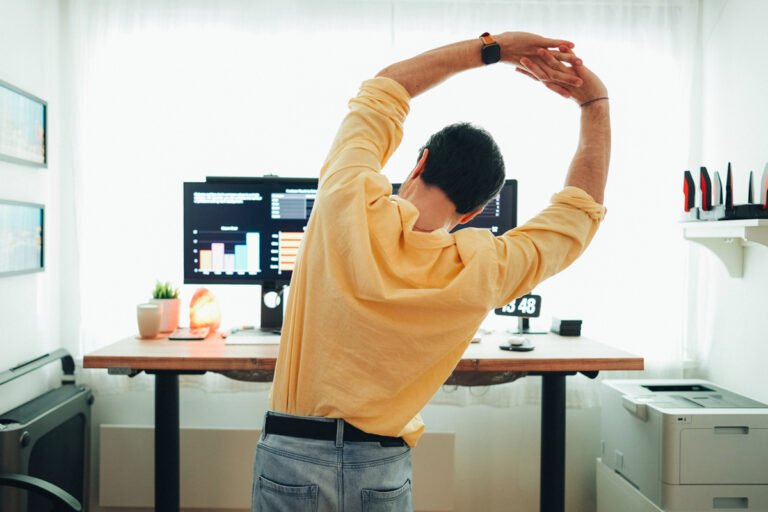
Roll your shoulders
Gently twist your torso
Stand and shift your weight
Small resets prevent stiffness.
Stretching
A few simple movements help:
Chest-opening stretches
Hip flexor stretches
Neck side bends
Nothing extreme. Just gentle maintenance.
Screen Breaks
Follow a simple rhythm:
Look 20 feet away every 20 minutes
Blink intentionally
Let your eyes reset
This reduces both eye strain and forward head posture.
Posture Resets
Instead of forcing perfect posture, think:
Ears over shoulders
Shoulders over hips
Feet grounded
Check in. Adjust. Continue.
Comfort over rigidity.
My Personal Ergonomic Home Office Setup (10 Years Remote)
After a decade working remotely, here’s what actually made the biggest difference for me.
A high-quality ergonomic chair with adjustable lumbar support.
This reduced lower back fatigue immediately.Raising my monitor to eye level with an adjustable laptop stand.
This simple upgrade eliminated constant neck strain.Switching to an external keyboard and mouse. (PC | Mac)
Laptop-only work was quietly damaging my posture.Alternating between sitting and standing.
Not constantly, just intentionally.
My setup isn’t complicated. It’s minimalist and calm.
Adjustable ergonomic chair
Clean desk surface
Monitor arm
Subtle task lighting
Footrest under the desk
No extreme gadgets. No complicated systems.
Just thoughtful alignment.
If you’re upgrading one element, start with your chair or monitor height for ergonomics. Those two changes often provide the most noticeable relief.
Conclusion: Build an Ergonomic Home Office Setup That Lasts
An ergonomic home office setup isn’t about chasing perfect posture.
It’s about sustainability.
When your home office ergonomics support neutral alignment and movement, you reduce strain. You prevent back pain working from home. You make long hours feel manageable instead of punishing.
You don’t need to replace everything at once.
Start with:
Proper desk height
Correct monitor height for ergonomics
Supportive seating
Small daily movement habits
Improve one element at a time.
Over months and years, those incremental adjustments protect your energy, focus, and comfort.
If you’re ready to refine your space thoughtfully, explore curated ergonomic home office solutions designed for long hours, small spaces, and sustainable productivity.
Your body will thank you.

Christine Shepherd is a remote and hybrid work veteran with over 14 years of experience building functional, design-forward home office spaces. As a digital marketing professional with a keen eye for usability and trends, she shares practical workspace solutions that balance comfort, productivity, and smart value.
View All Articles